
By Cueup
Best DJ Controllers Under $300 – Compare & Buy
By Cueup
Selecting the right DJ controller can be overwhelming, especially when juggling different budgets like under $300, $500, and $1000. With so many models boasting unique features, it’s easy to feel lost in the sea of specs and price tags. We’ve handpicked a selection of featured products that strike a balance between cost and performance. Whether you’re new to DJing or looking to upgrade, these controllers cater to various needs, ensuring your creative journey isn’t hindered by technical or budget constraints.
- 1
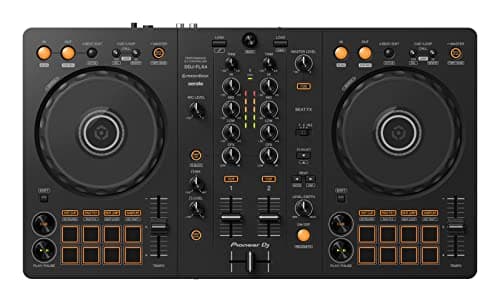
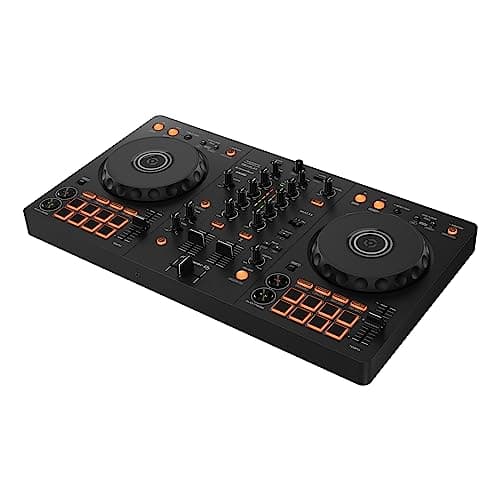
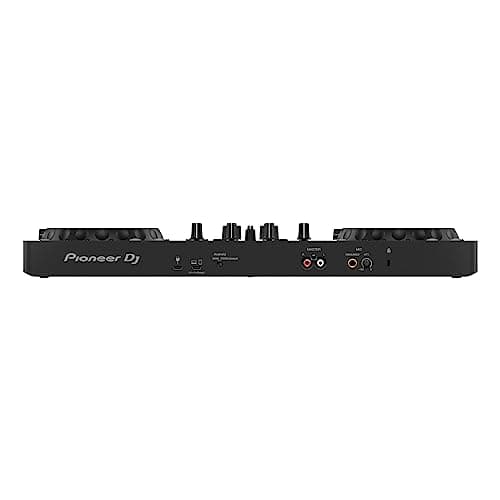
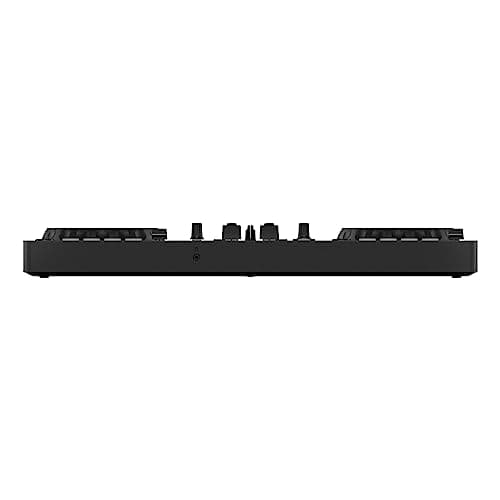
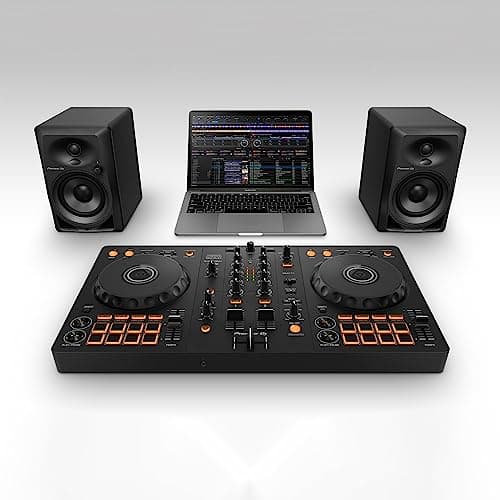
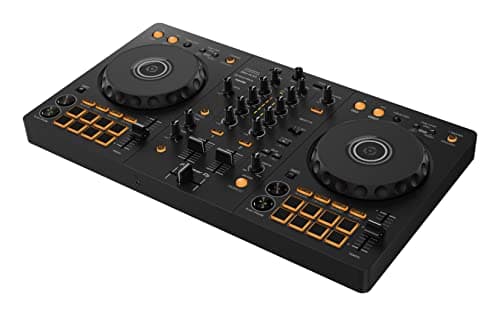
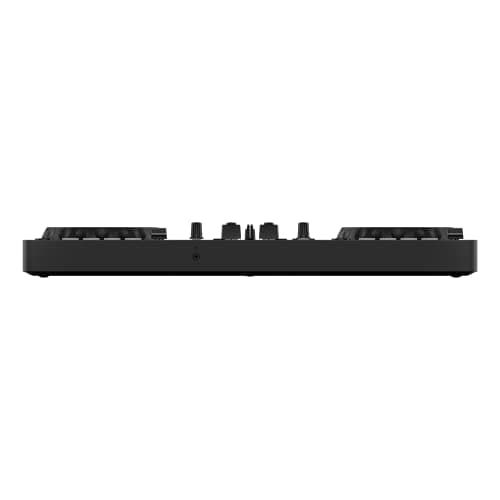
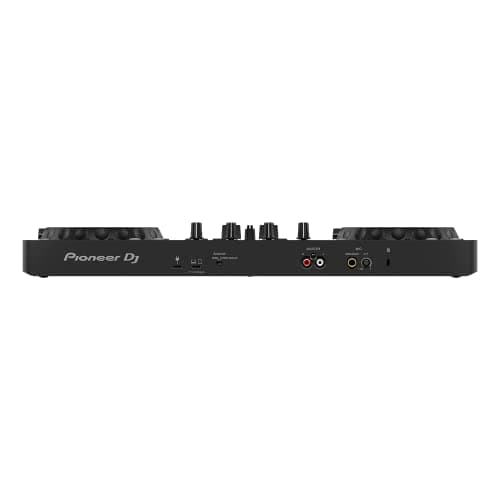
Pioneer DJ DDJ-FLX4
Pros
- +Multi-device compatibility allows you to connect to various platforms effortlessly.
- +USB audio output provides high-quality sound for your mixes.
- +Streaming integration lets you access music from popular streaming services, giving you a wider music selection.
- +Smart mixing features simplify complex DJing techniques, making it easier for beginners to sound like pros.
- +Compact design means it's easy to transport and fits well in smaller setups.
Cons
- -While it's versatile, some might find it a bit limiting if they are used to larger gear – sorry, but this isn’t your grandma’s turntable!
- -The price point is a bit steep for those just starting out in DJing without a decent budget – ouch!
- -It may lack some advanced features found in higher-end controllers, making it less suitable for professional DJs looking for every bell and whistle.
- 2
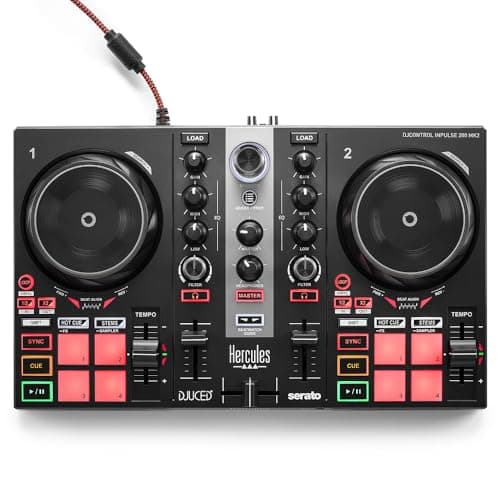
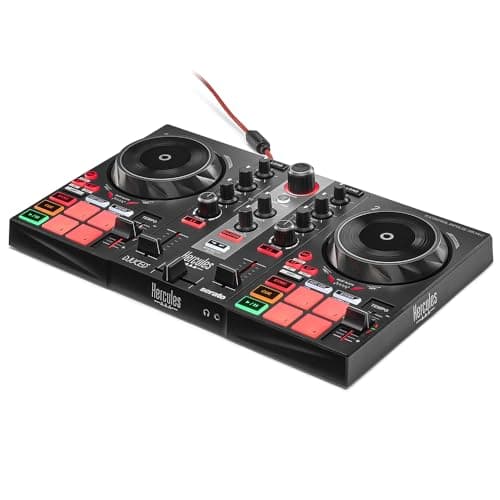
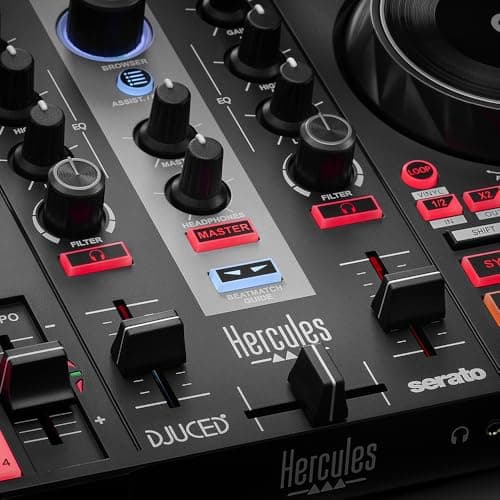
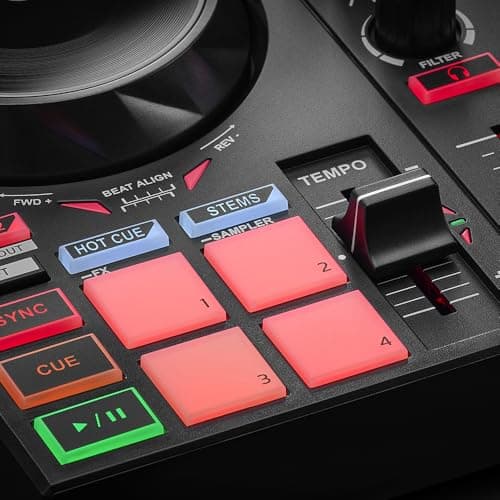
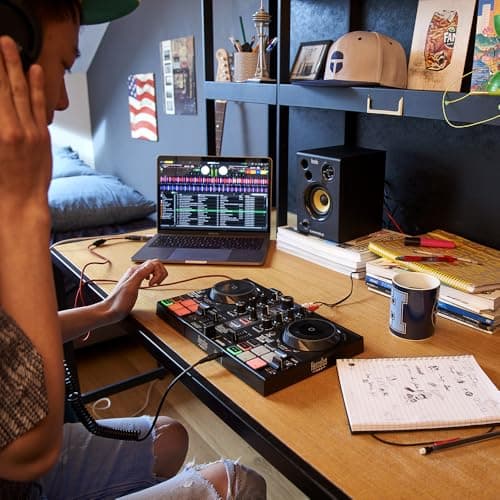
Hercules DJControl Inpulse 200 MK2
Pros
- +Great for beginners with built-in Beatmatch Guide that helps you learn tempo and beat alignment.
- +STEMS feature allows for creative mixing and making endless variations.
- +Supports popular music streaming services like Beatport ADVANCED, Beatsource, SoundCloud GO+, and TIDAL for a vast library of tracks.
- +Includes software like Serato DJ Lite and DJUCED, plus tutorials from professionals which is like having a DJ mentor in a box.
- +Compact and portable design makes it easy to take to gigs or parties.
Cons
- -Might feel a bit limited for more advanced users looking for professional-grade features, but hey, it’s not a DJ spaceship!
- -Some users may find the included software lacks certain bells and whistles, but that's a small price to pay for learning the ropes.
- 3
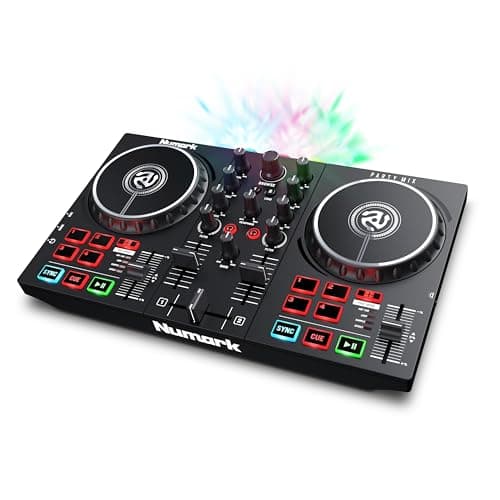
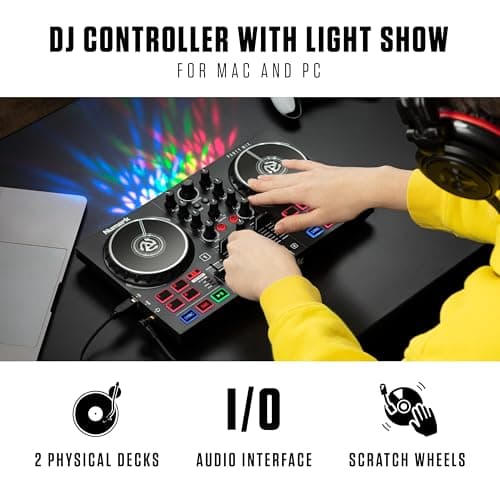
Numark Party Mix II
Pros
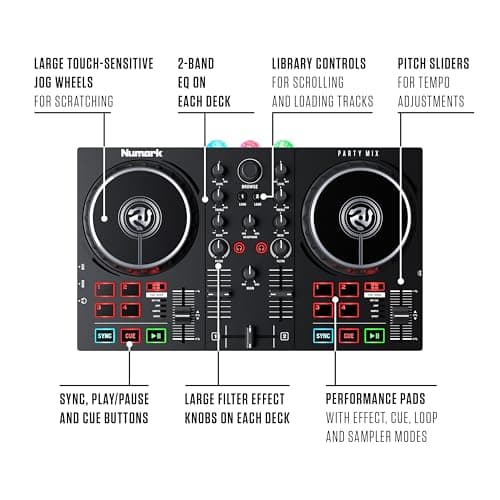
- +Great for beginners with user-friendly features and plug & play setup.
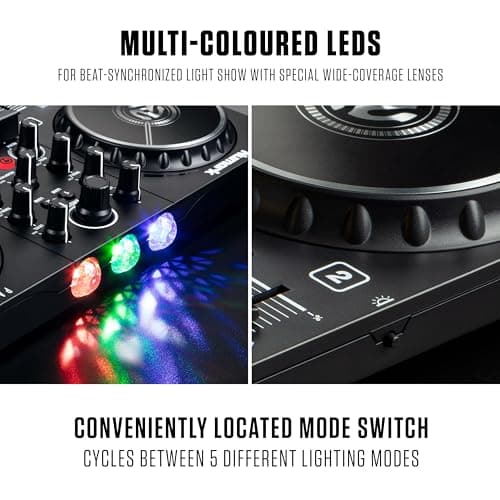
- +Built-in LED DJ light show adds a fun visual element to performances.
- +Touch-sensitive jog wheels enhance the mixing experience.
- +Includes performance pads for effects, cueing, looping, and sampling.
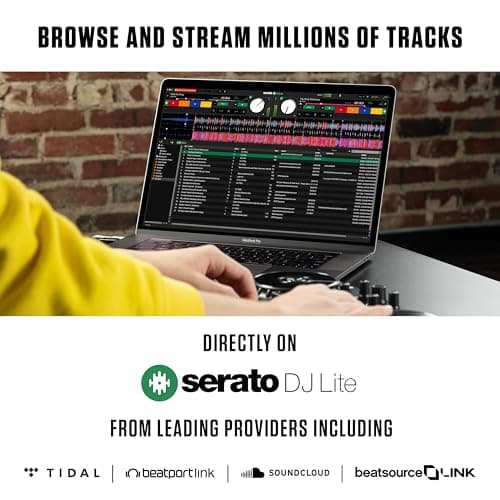
- +Compatible with streaming services to access a vast music library.
- +Compact and portable design, useful for mobile DJs.
Cons
- -Limited advanced features might not satisfy professional DJs.
- -Build quality may not be as sturdy as higher-end models.
- -Requires a computer for full functionality, which may not be ideal for everyone.
- 4
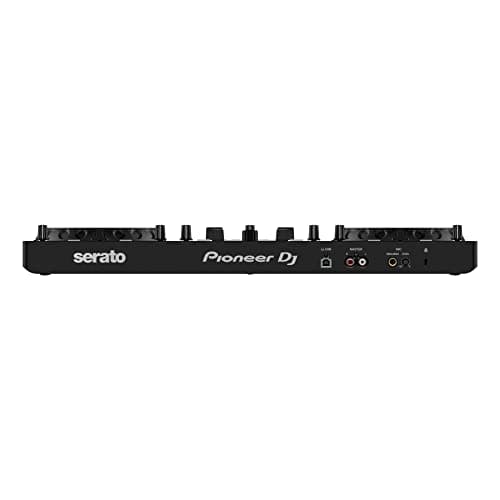
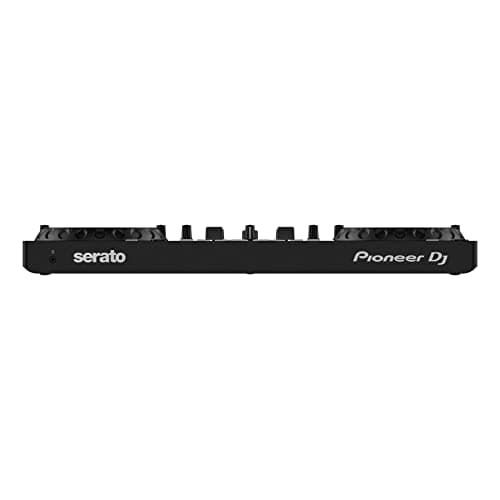
Pioneer DJ DDJ-REV1
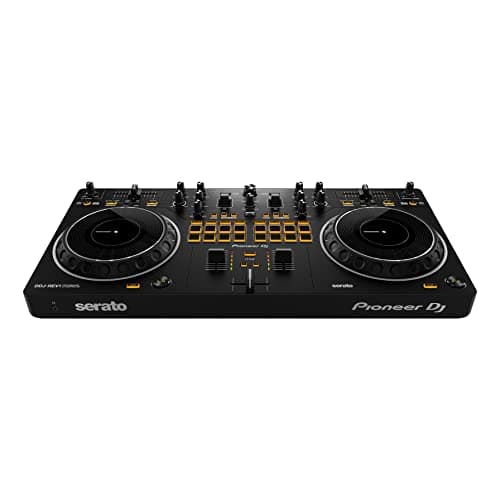
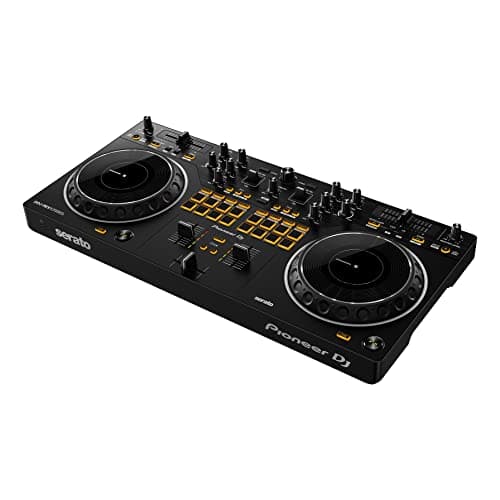
Pros
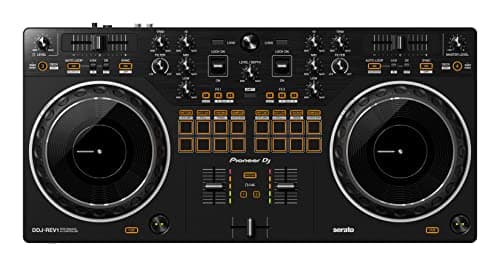
- +User-friendly design ideal for beginners and intermediates
- +Battle-style setup mimics professional DJ equipment
- +Built-in microphone input for live performances
- +Compatible with Serato DJ for extensive software support
- +Compact and portable for easy transport
Cons
- -Limited advanced features for professional DJs
- -May not have as robust build quality as higher-end models
- -Only supports 2-deck mixing, which may not suffice for some DJs
- 5
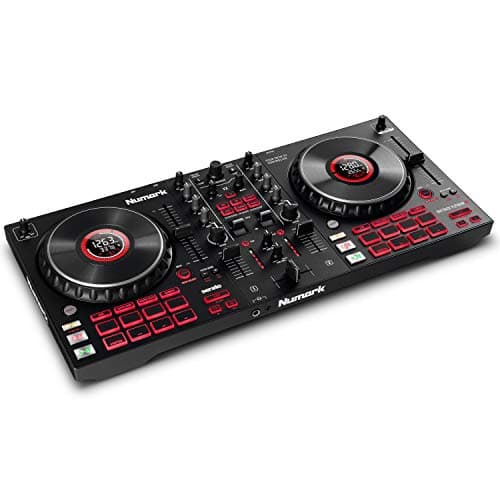
Numark Mixtrack Platinum FX
Pros
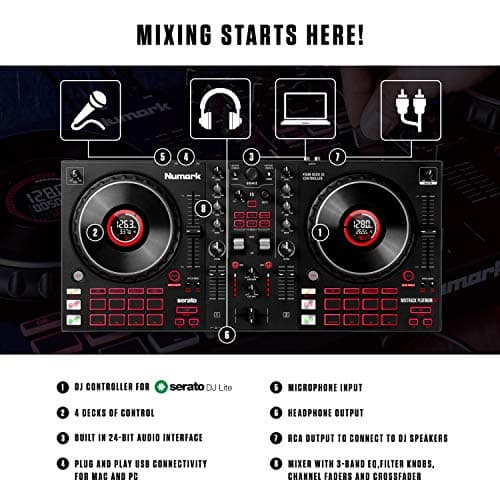
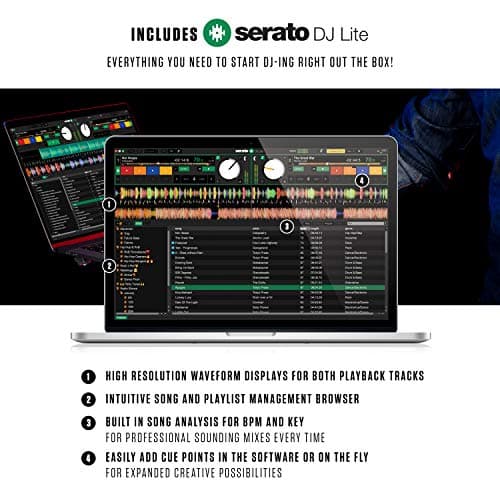
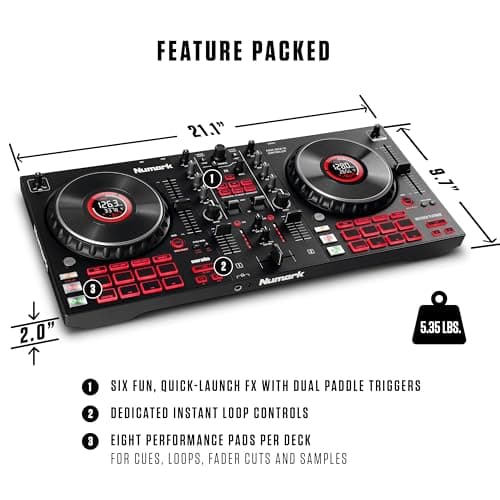
- +Complete DJ system including Serato DJ Lite for easy setup and use.
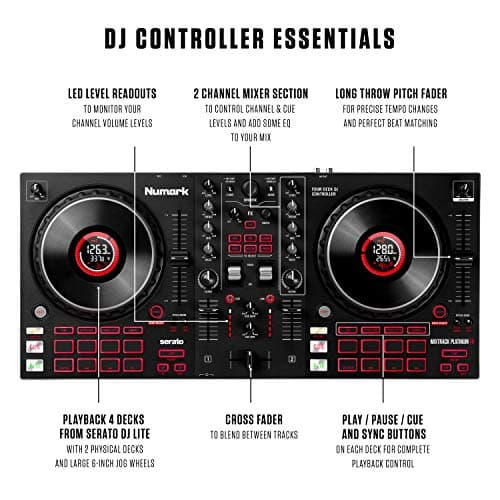
- +Four decks of control allow for advanced mixing capabilities.
- +Large 6-inch jog wheels with color displays enhance track visualization.
- +Six quick-launch FX with dual paddle triggers for creative mixing.
- +Supports streaming from popular services like SoundCloud and TIDAL.
- +Built-in audio interface simplifies connectivity with other equipment.
- +Compact and portable design suitable for mobile DJs.
Cons
- -Not all features available in Serato DJ Lite, may require upgrade for full functionality.
- -Lite version may lack some professional features found in Serato DJ Pro.
- -Limited built-in effects compared to higher-end models.
- -Jog wheel displays may not be bright enough for outdoor setups.
- 6
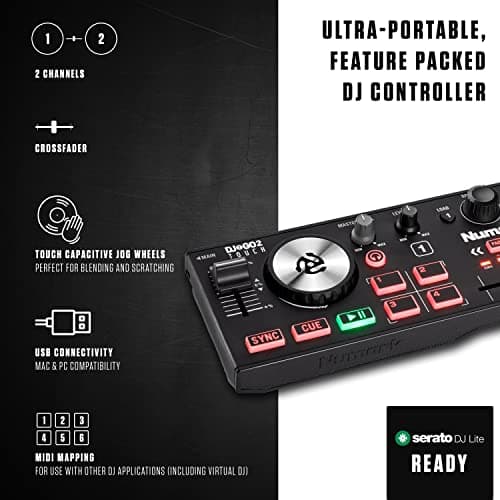
Numark DJ2Go2Touch
Pros
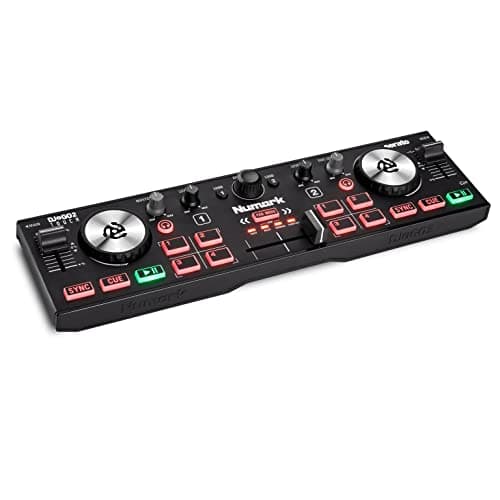
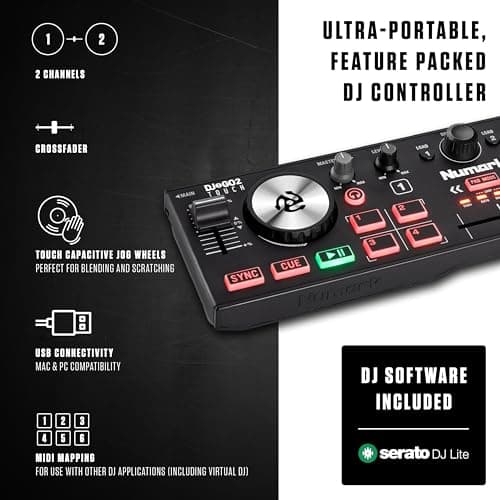
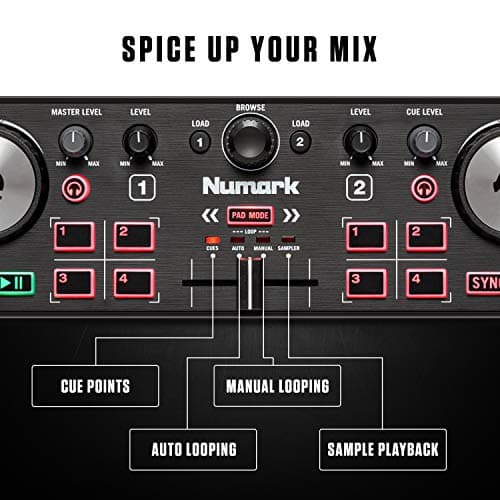
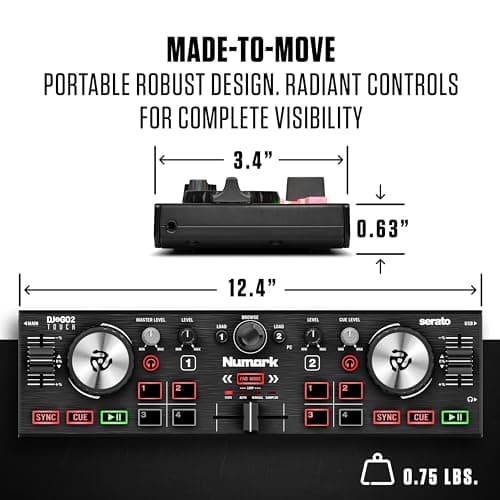
- +Ultra-portable design makes it perfect for on-the-go DJs who don't want to lug around heavy gear.
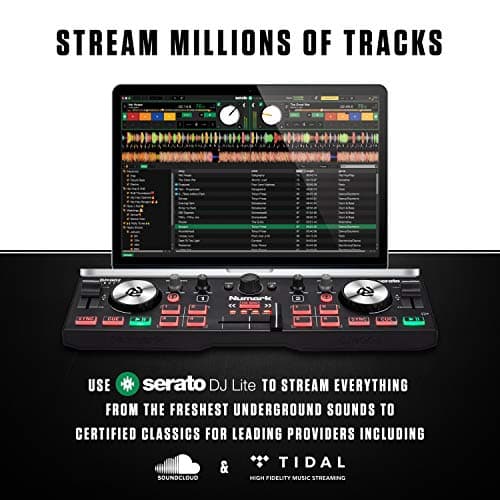
- +Includes Serato DJ Lite, which is a solid software choice for beginners and up, plus MIDI mapping for other software like Virtual DJ.
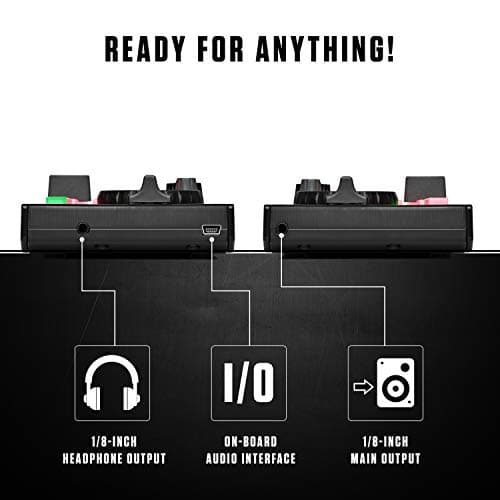
- +On-board audio interface allows for flexible connectivity with headphones and main outputs—no separate mixer needed!
- +Touch capacitive jog wheels are a game changer for scratching and seamless transitions; it's like having a mini turntable in your pocket.
- +Built-in pad modes give you total control over looping and samples, which is essential for adding flair to your sets!
- +Radiant backlit controls ensure you can still find your way in the dark depths of a crowded club. No more fumbling around like a lost tourist. It's DJing, not spelunking!
Cons
- -The compact size means less space for advanced features, so seasoned DJs might feel a bit cramped; it's like living in a tiny apartment!
- -While it works with Serato DJ Lite, pro features require an upgrade to the full version. Who doesn't love unexpected expenses?
- -Limited to two decks—if you're envisioning a full-blown festival setup, this isn't your ticket to ride!
- -Built-in controls might feel a little small for big hands; you may accidentally mix a few tracks if you're not careful.
- 7
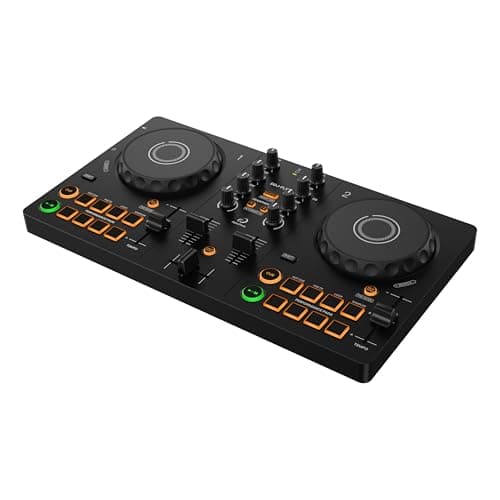
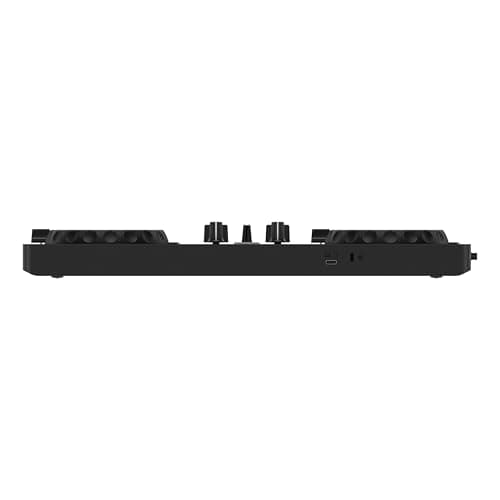
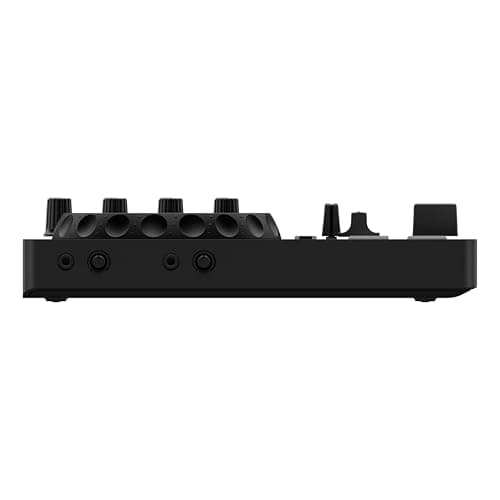
AlphaTheta DDJ-FLX2
Pros
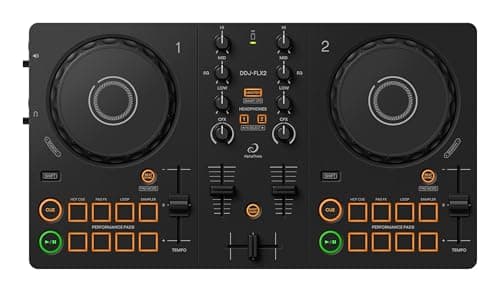
- +Compatible with multiple DJ applications and streaming services, making it versatile for any budding DJ.
- +Smart CFX and Smart Fader features make mixing like a pro easier than stealing candy from a baby.
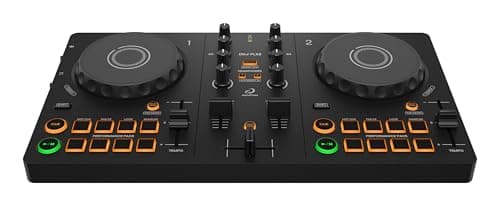
- +Compact design allows for easy transport—great for those spontaneous gigs or house parties you never planned for.
- +Works seamlessly with smartphones, tablets, and computers, so you won't have to dedicate a whole room to your DJ setup.
- +Directly play music through speakers and monitor with headphones—just like a traditional setup, but with less of a workout hauling gear!
Cons
- -While it’s a great entry-level controller, seasoned DJs might find it missing advanced features for intricate sets.
- -Not as sturdy as your grandma’s rocking chair, but hey, it’s made for portability!
- -Limited to just two channels; if you’re a channel-hog, you might want to look elsewhere. But let's be real, do you really need that many?
- 8
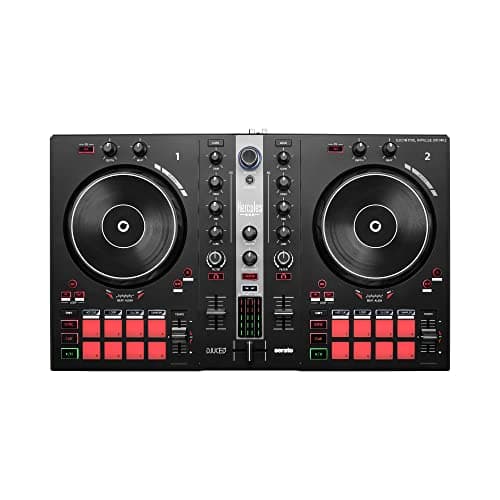
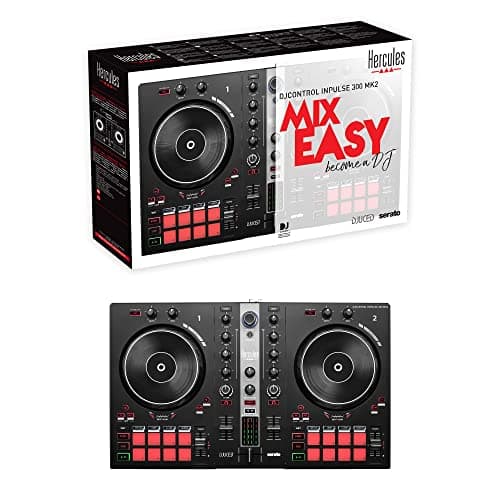
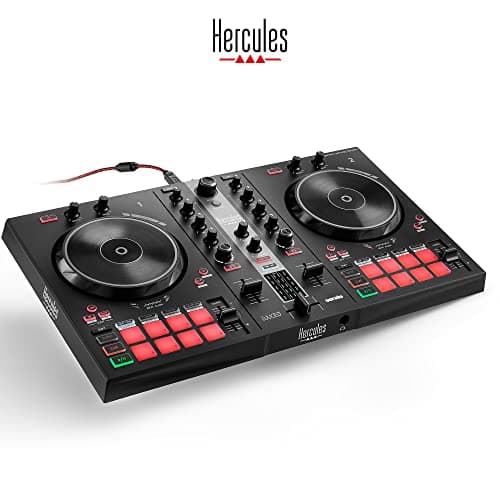
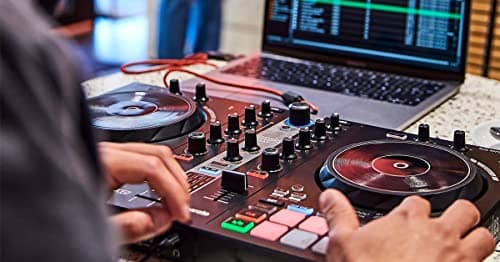
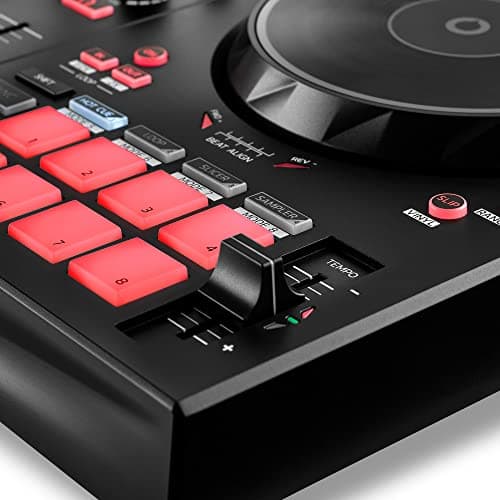
Hercules DJControl Inpulse 300 MK2
- 9
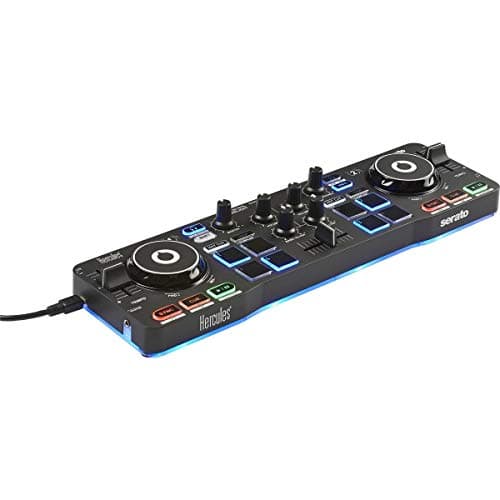
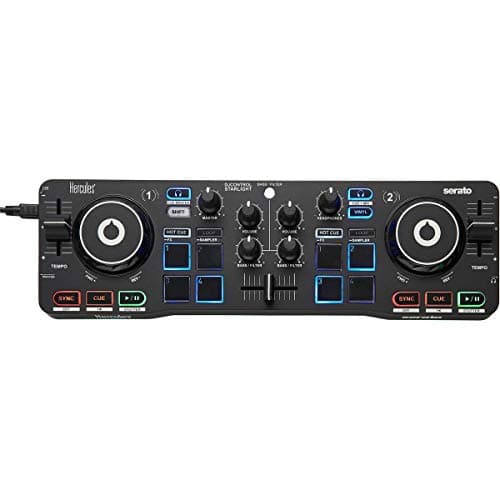
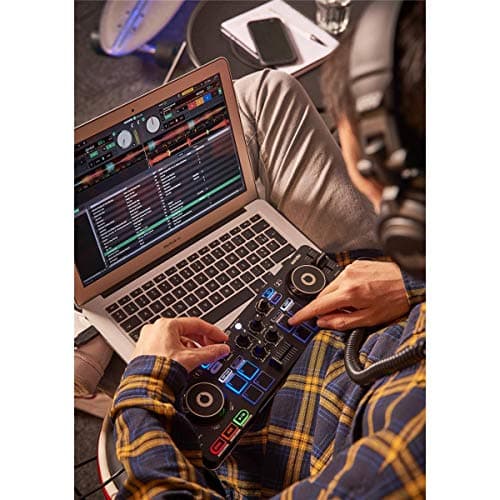
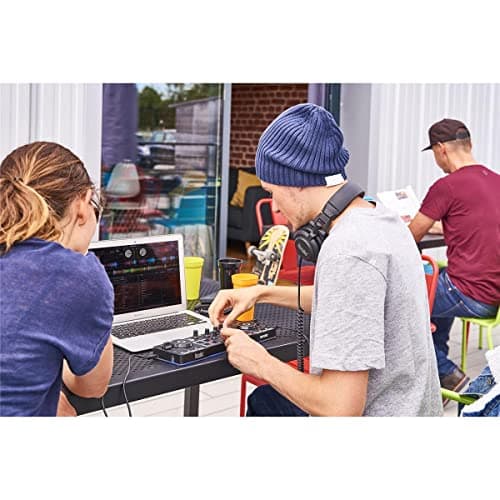
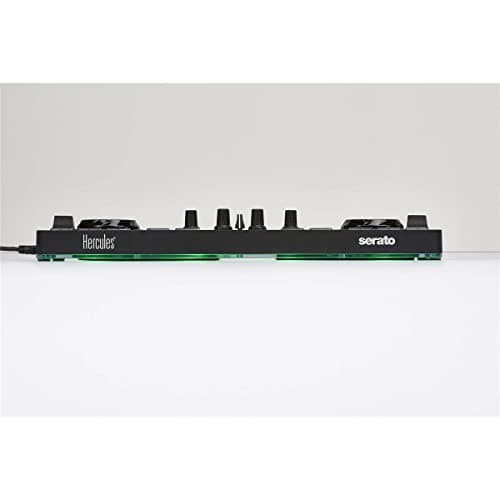
Hercules DJControl Starlight
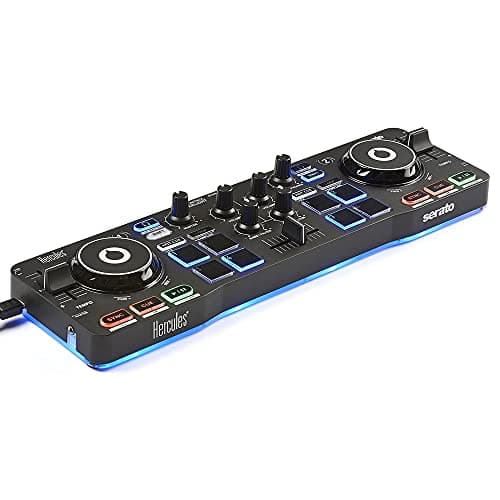
Pros
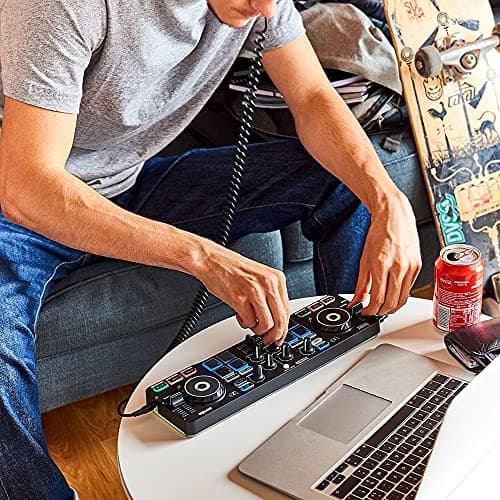
- +Compact and portable design, ideal for on-the-go DJs
- +Included Serato DJ Lite software makes it user-friendly for beginners
- +Built-in sound card allows for headphone and speaker output monitoring
- +Touch-sensitive jog wheels provide a realistic DJing experience
- +RGB and strobe effects create an engaging light show while performing
- +Includes essential DJ features like bass/filter, hot cues, loops, and FX options
Cons
- -Limited advanced features compared to full-sized controllers
- -Not suitable for professional DJing gigs due to its compact size
- -May require additional setup or adjustments for optimal performance
- 10
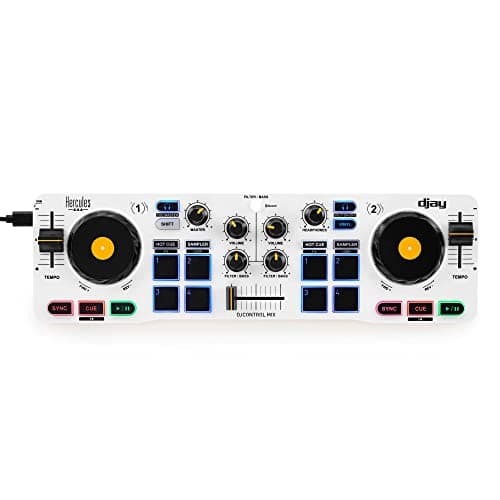
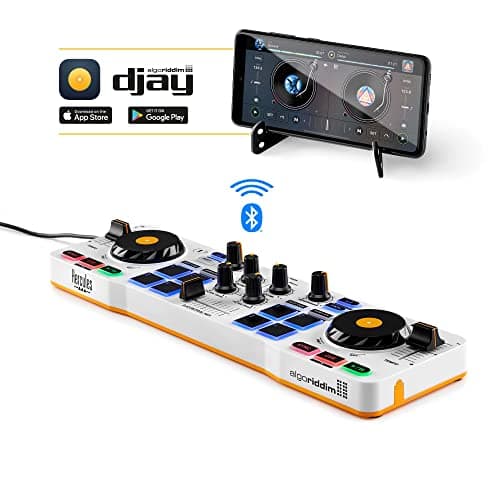
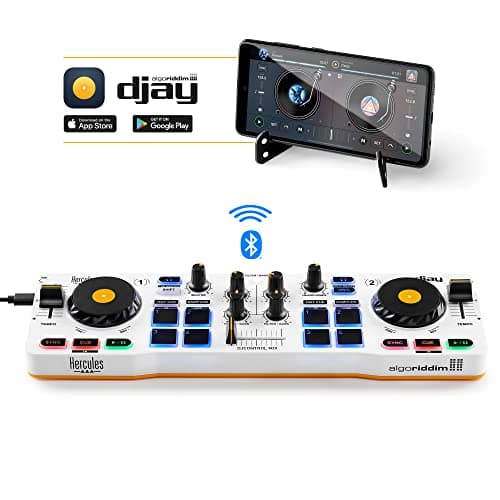
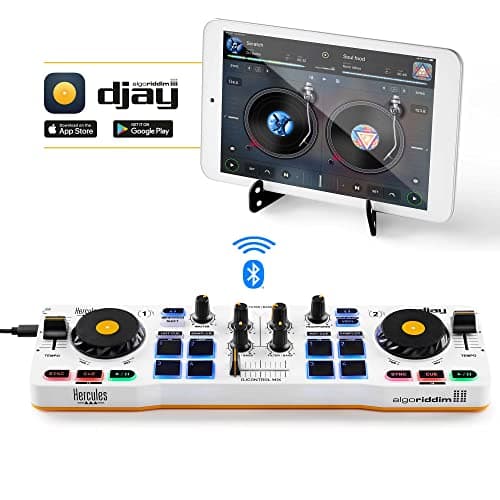
Hercules DJControl Mix
Pros
- +Wireless Bluetooth connectivity allows for easy mobility while mixing
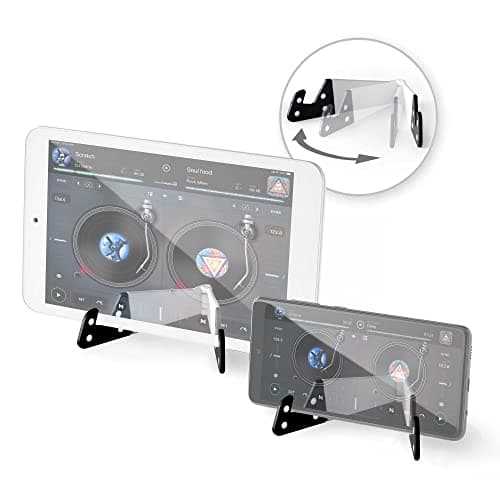
- +Compact and foldable design, perfect for on-the-go DJs
- +Includes jog wheels, faders, knobs, and pads for a full DJ experience
- +Compatible with the djay app by Algoriddim, which offers extensive features
- +Affordable price point for entry-level DJs
Cons
- -Limited functionality compared to more advanced, professional DJ controllers
- -Dependence on smartphone apps may not appeal to all users
- -Battery life may be a concern during long mixing sessions
- -Support for only iOS and Android may limit some users
- 11
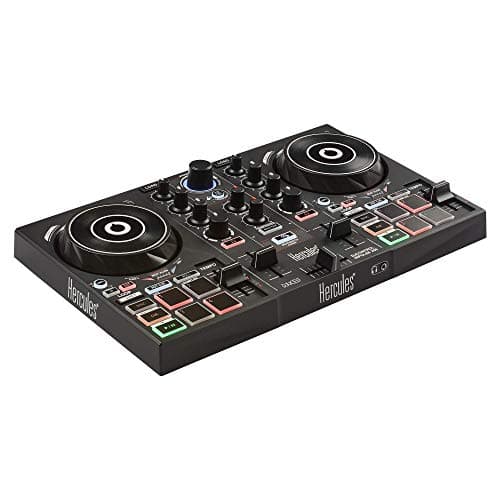
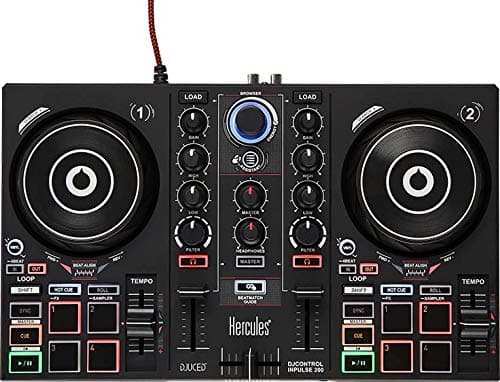
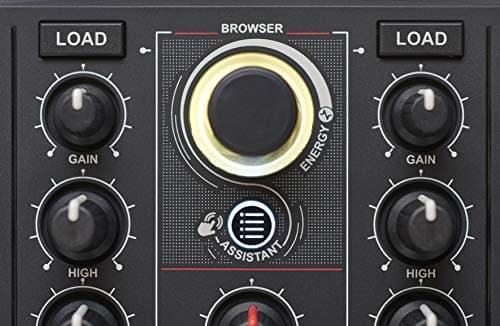
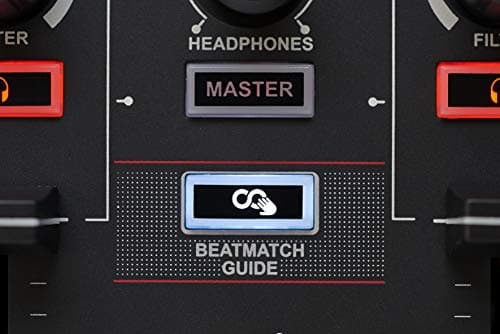
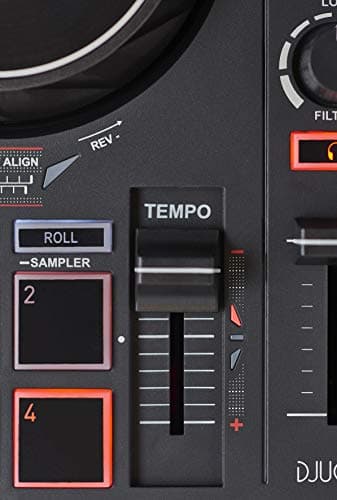
Hercules DJC Inpulse 200
- 12
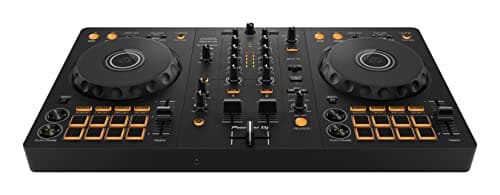
Pioneer DJ DDJ-FLX4
- 13
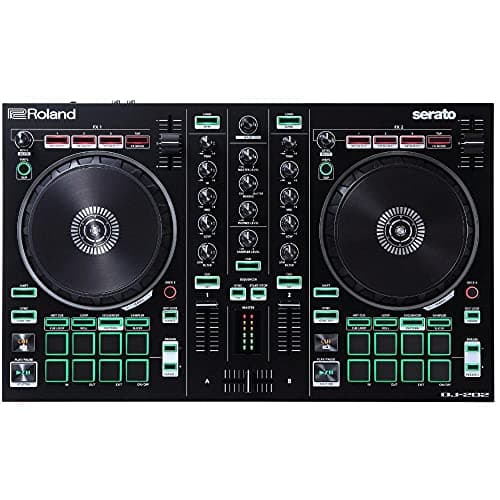
Roland DJ-202
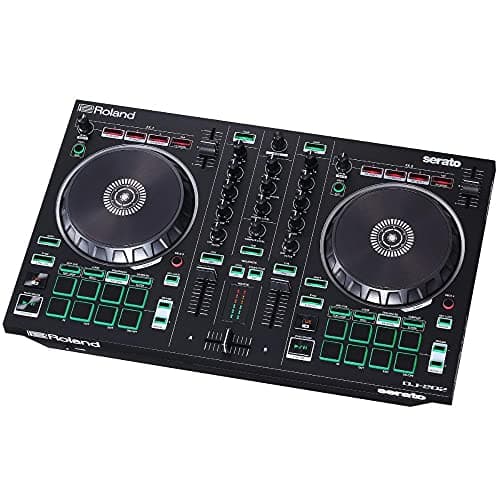
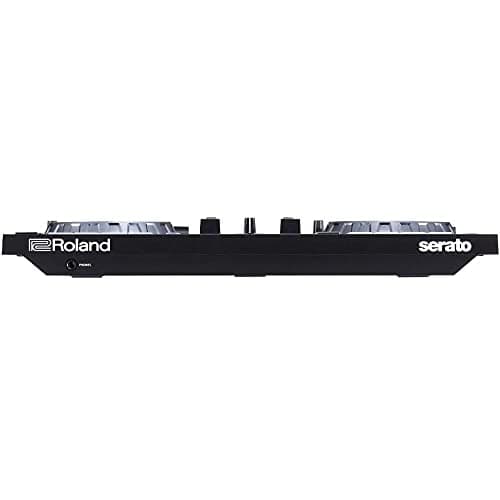
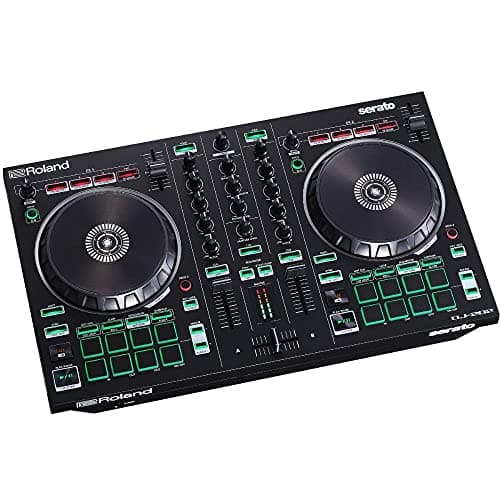
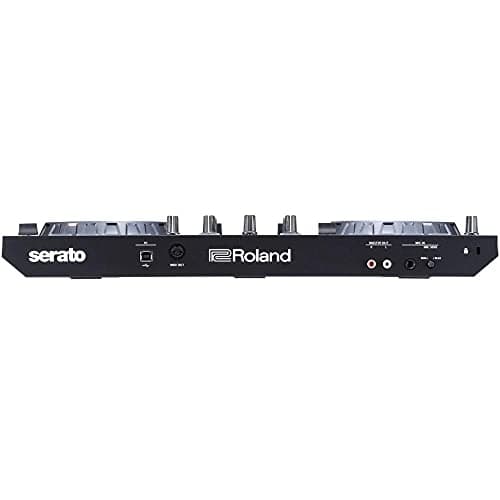
Pros
- +High sound quality and clarity suitable for professional use
- +Lightweight and portable design for easy transport
- +Durable construction that withstands the rigors of DJ use
- +Versatile connectivity options with various devices
- +Long battery life ensures multiple gigs without interruption
Cons
- -Price may be high for beginner DJs
- -Learning curve for advanced features may be steep for novices
- 14
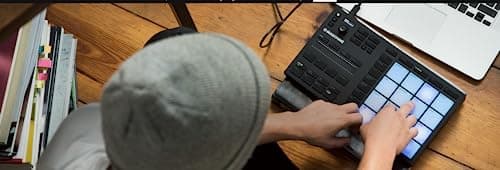
Native Instruments Maschine Mikro Mk3
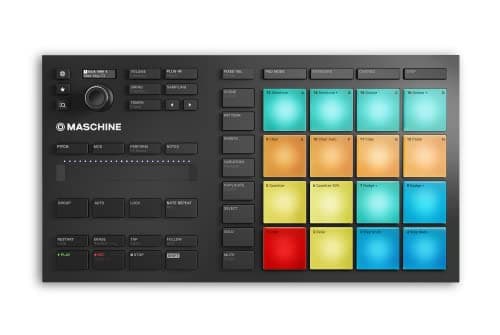
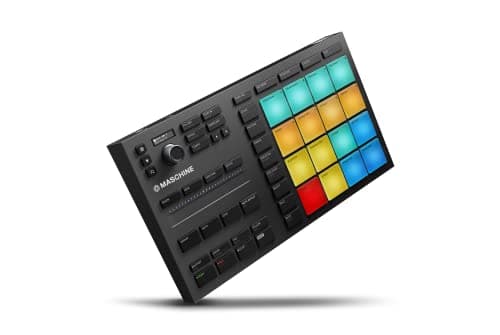
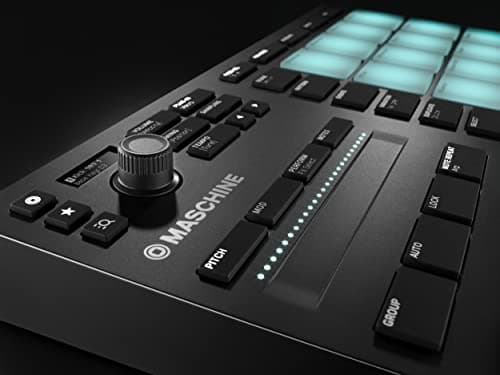
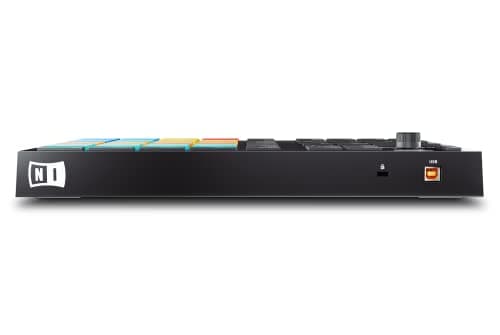
Pros
- +High sound quality and clarity
- +Durable and well-built design
- +Wide range of connectivity options
- +Intuitive controls and user-friendly interface
- +Great for both beginners and professional DJs
Cons
- -Can be somewhat heavy for portability
- -Price may be on the higher side for some users
- -Learning curve for advanced features might be steep for beginners
- 15
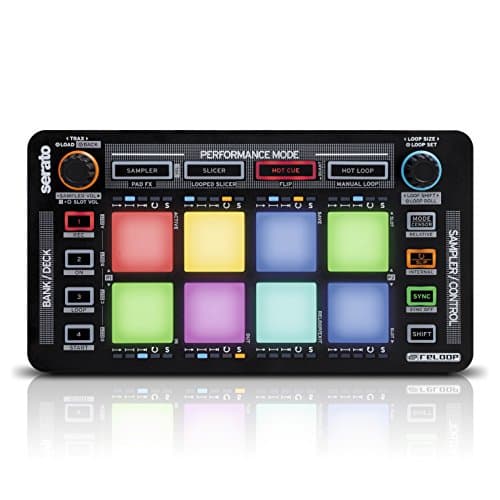
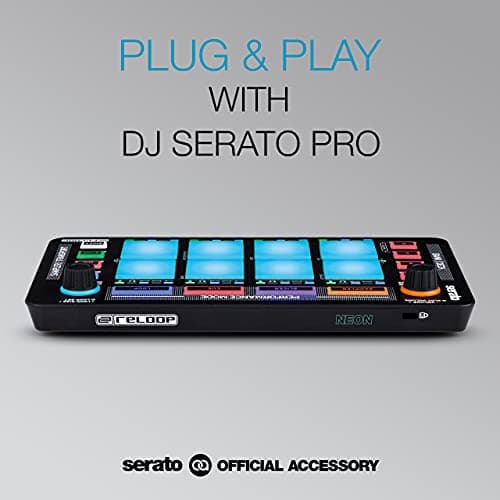
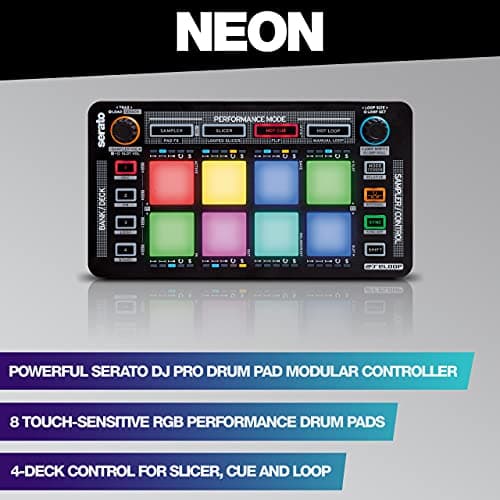
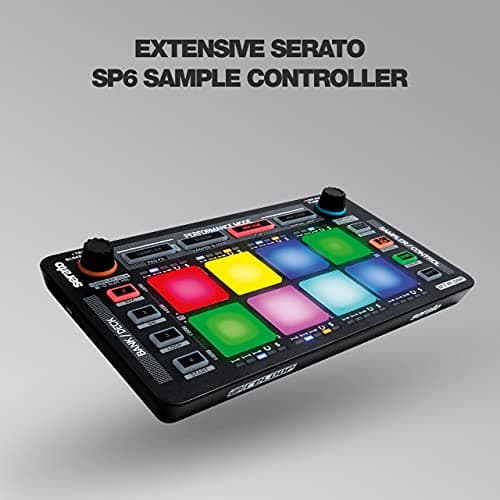
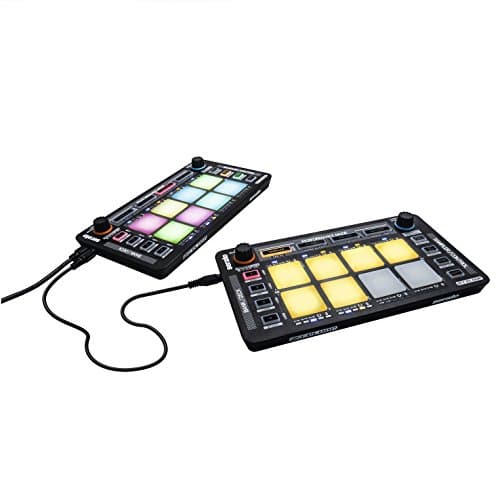
Reloop AMS-NEON
- 16
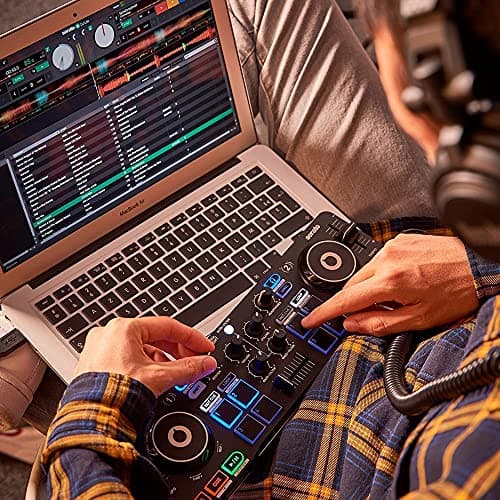
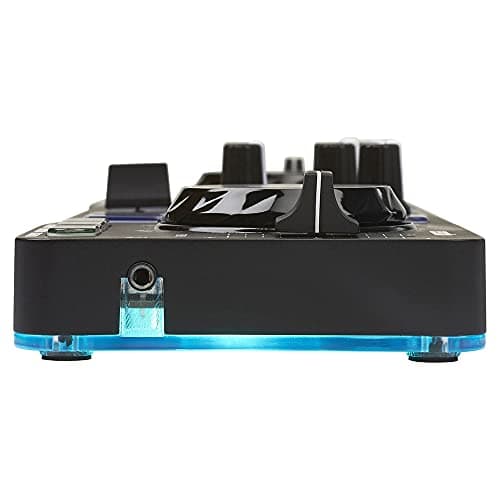
Hercules DJControl Starlight

- 17
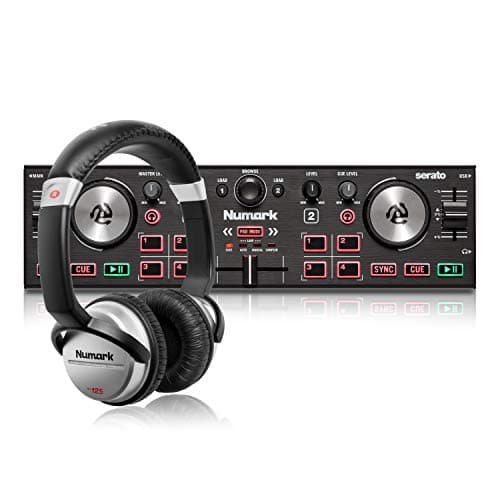
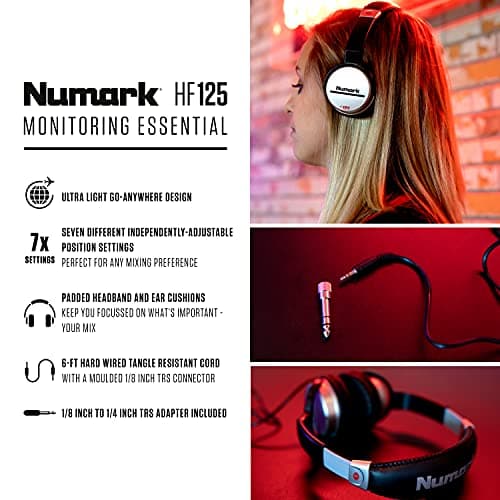
Numark DJ2GO2 Touch Bundle
- 18
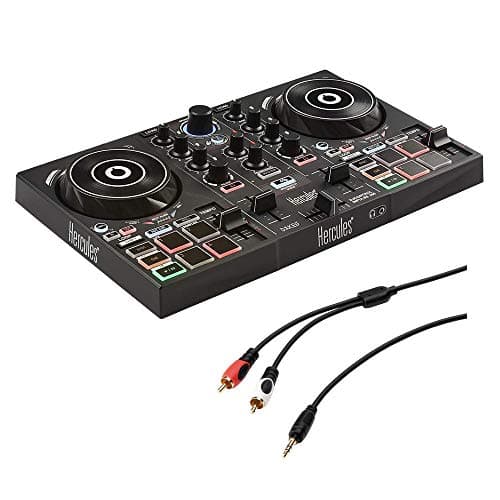
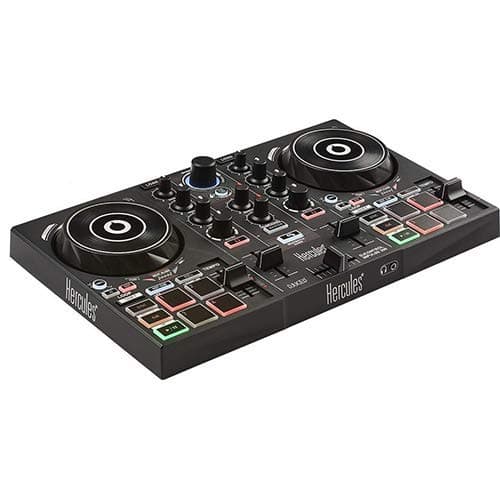
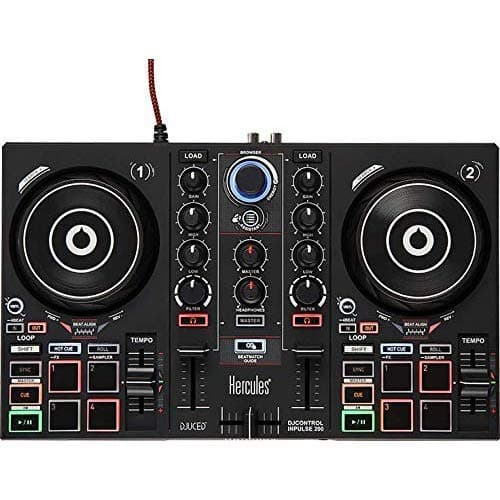
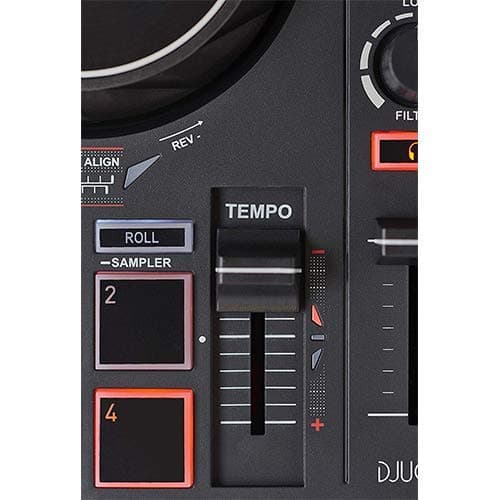
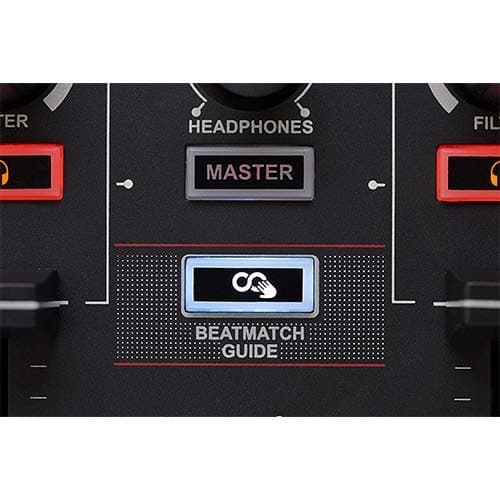
Hercules DJControl Inpulse 200
Pros
- +High-quality sound output
- +Durable and robust design
- +User-friendly interface
- +Wide range of connectivity options
- +Great for both beginners and professionals
Cons
- -Can be expensive for some budgets
- -Heavy, making it less portable than other options
- -Learning curve for new users with advanced features
- 19
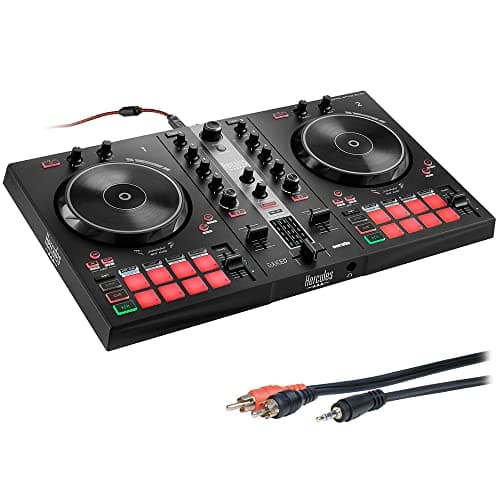
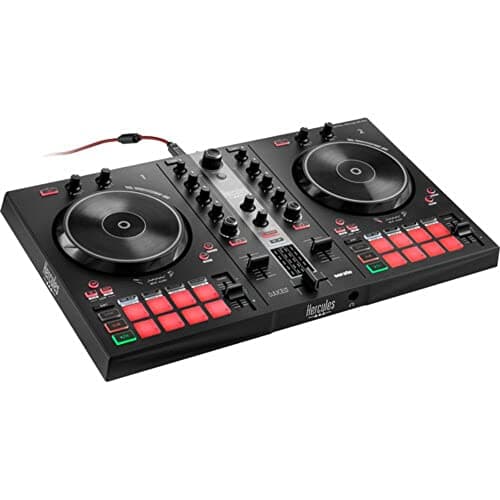
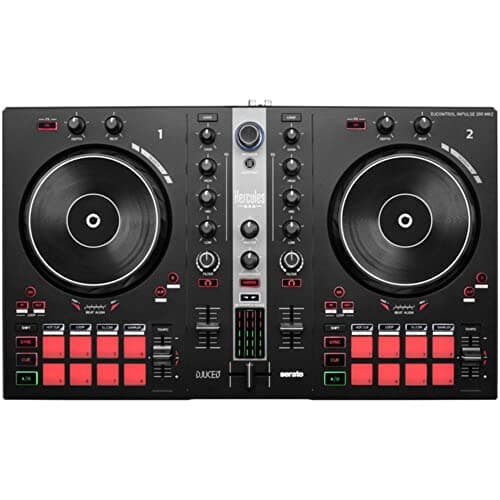
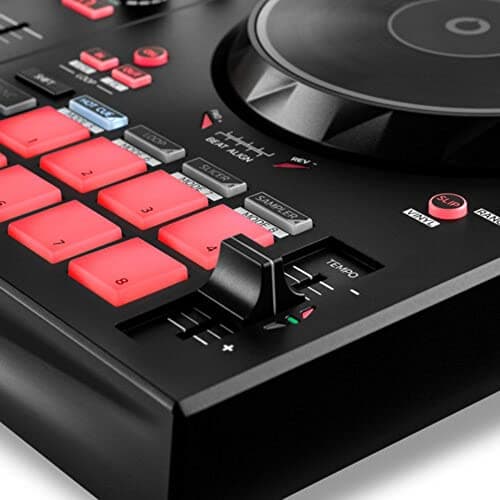
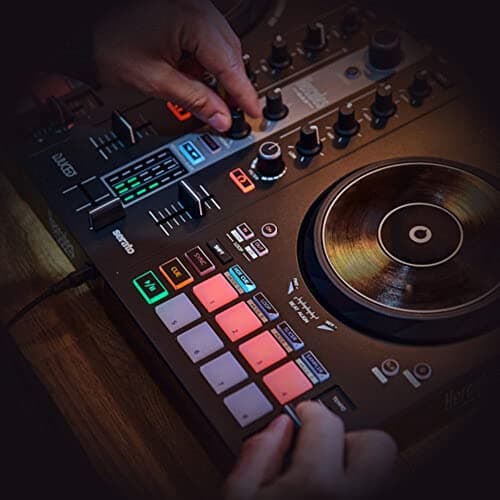
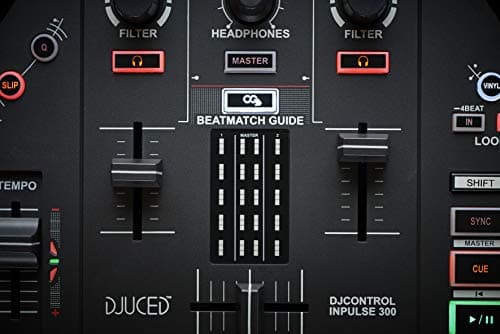
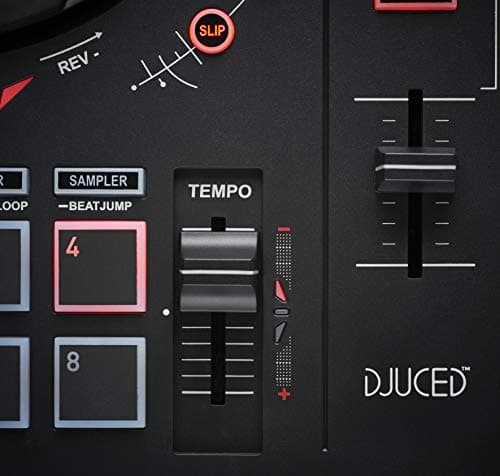
Hercules DJ Control Inpulse 300
Pros
- +High-quality sound output
- +Durability and build quality
- +User-friendly interface
- +Versatile connectivity options
- +Great for both beginners and professionals
Cons
- -Can be expensive for beginner DJs
- -Might have a steep learning curve for some functions
- -Limited customization options in entry-level versions
- 20
Native Instruments Traktor X1 Modular DJ Controller
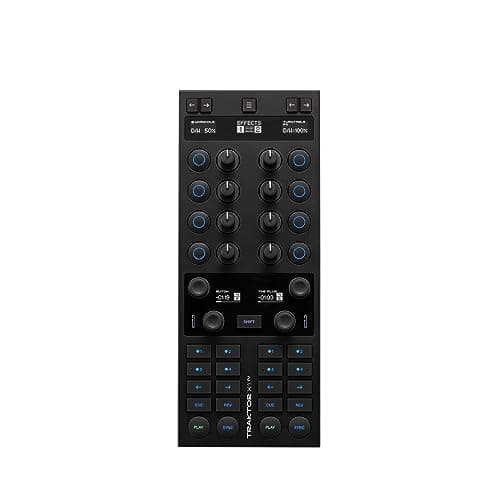
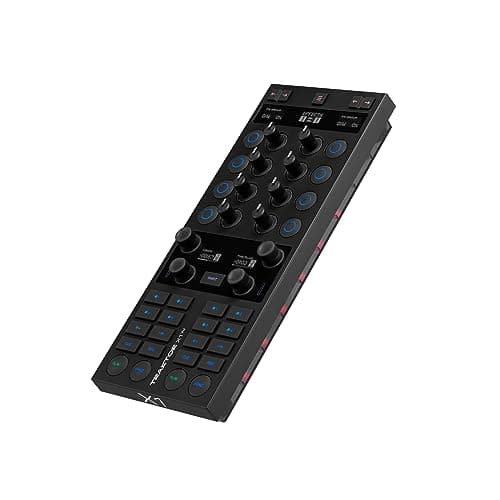
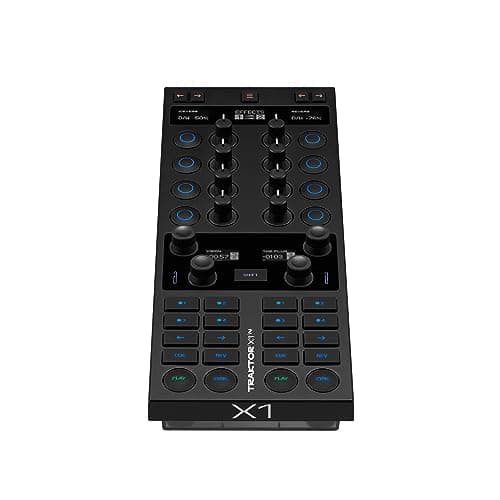
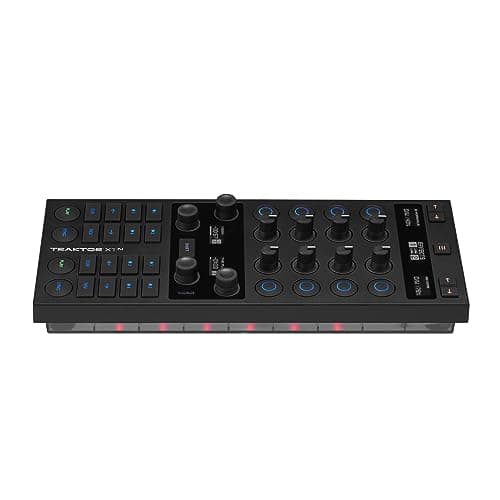
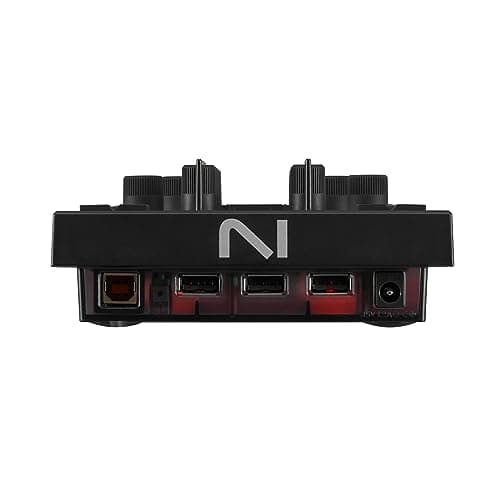
Pros
- +High sound quality with clear and powerful output
- +Durable build designed for professional use
- +User-friendly interface with intuitive controls
- +Versatile performance suitable for various music genres
- +Lightweight and portable for easy transportation
Cons
- -Can be on the pricier side for beginners
- -Some features may be overwhelming for novice DJs
- -Limited battery life if applicable for portable versions
- 21
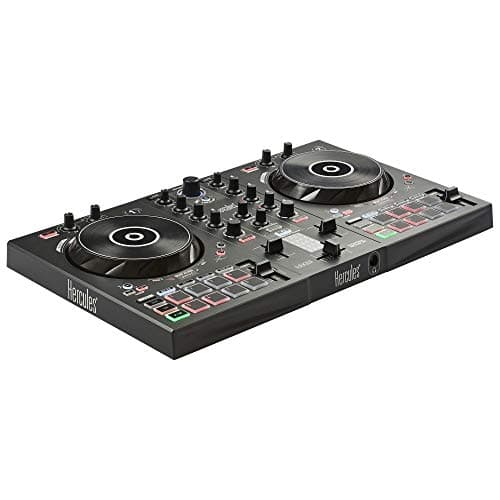
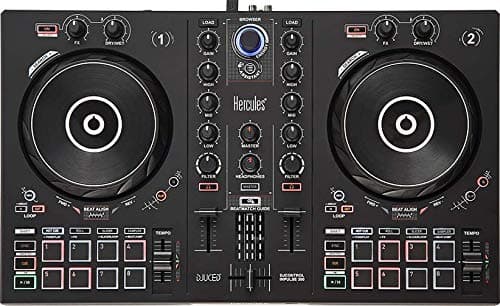
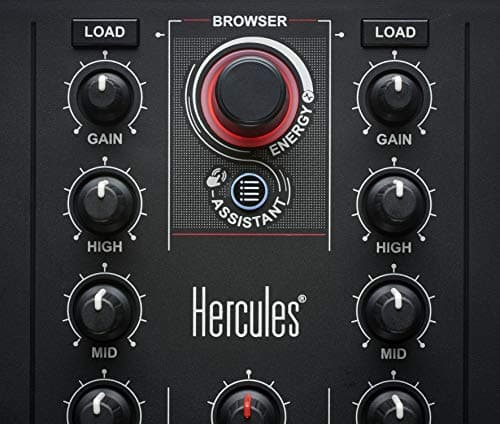
Hercules DJ Control Inpulse 300
- 22
Pioneer DJ DDJ-200
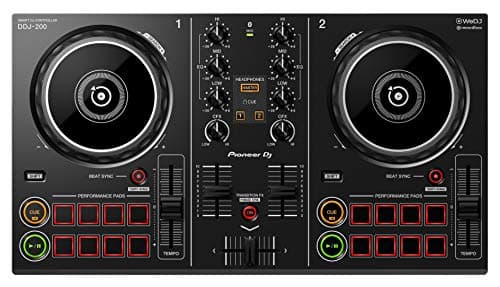

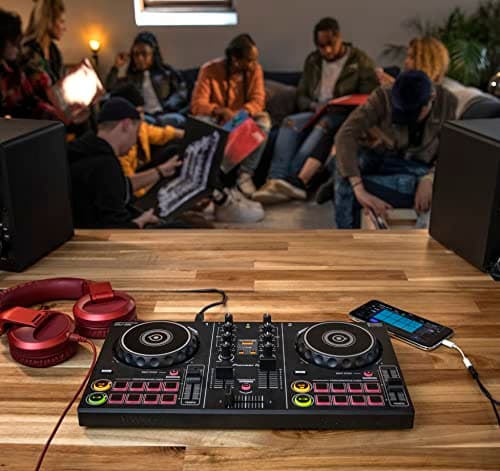
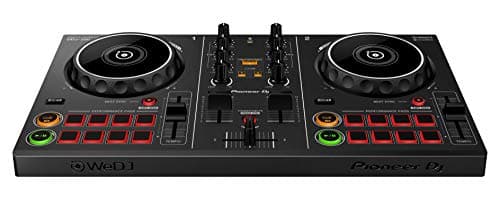
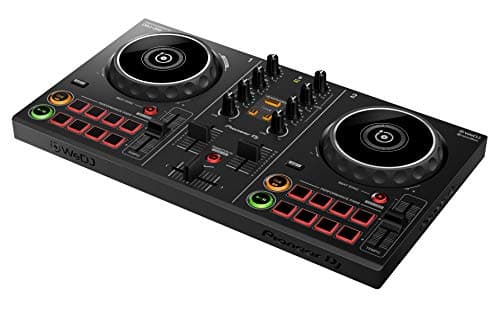
Pros
- +High sound quality with professional-grade audio
- +Durable build suitable for frequent use
- +Versatile connectivity options with multiple inputs and outputs
- +User-friendly interface with intuitive controls
- +Lightweight and portable design for easy transport
Cons
- -Can be on the higher end of the price spectrum
- -Some users may find the learning curve steep initially
- -Limited battery life may not support long outdoor events
- 23
Hercules DJControl Starlight
Pros
- +High sound quality with rich bass and clear highs
- +Durable and sturdy design suitable for heavy use
- +Lightweight and comfortable for long sets
- +Flexible connectivity options including Bluetooth and wired
- +Long battery life for extended performance
Cons
- -Price point may be high for beginner DJs
- -Bluetooth connectivity can introduce slight latency
- -Limited customization options for sound profiles
- 24
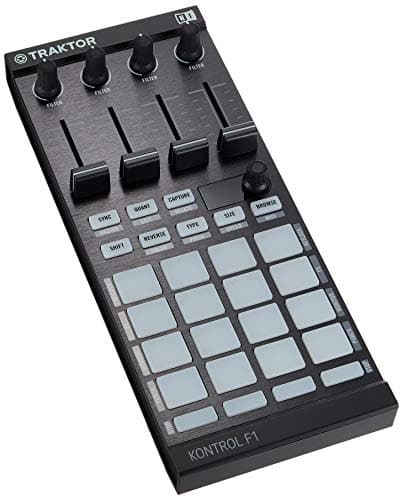
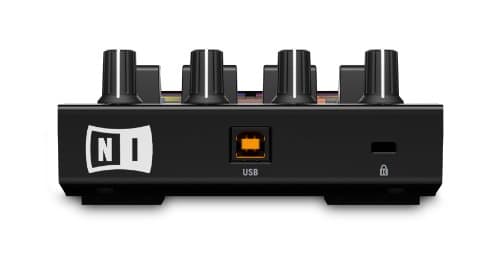
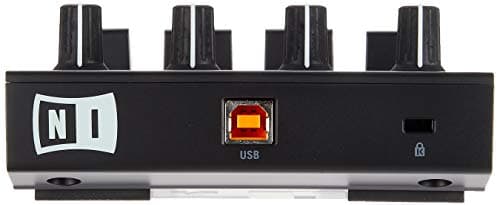
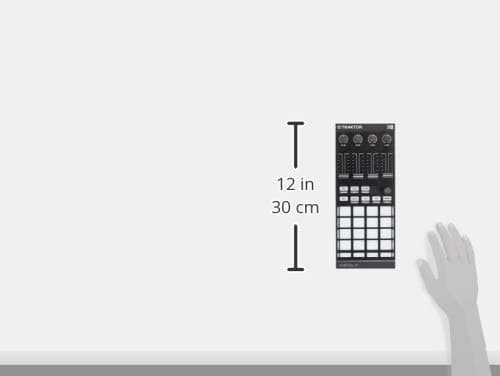
Native Instruments Traktor Kontrol F1 DJ Controller
- 25
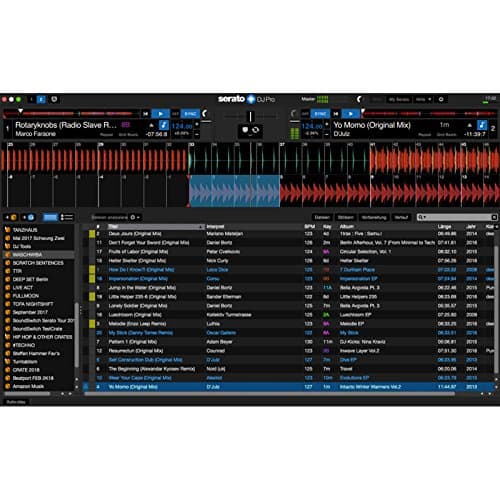
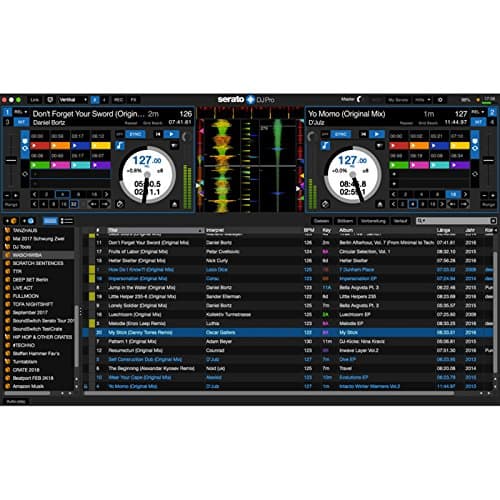
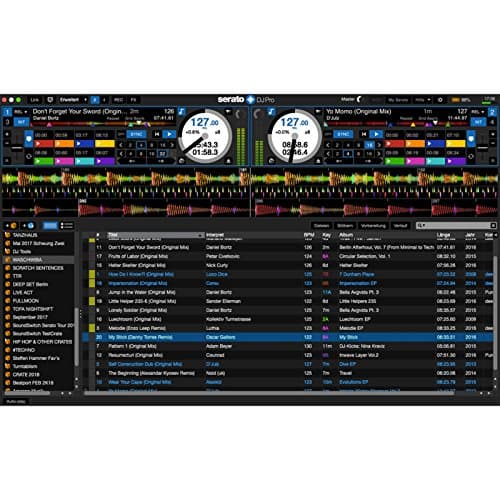
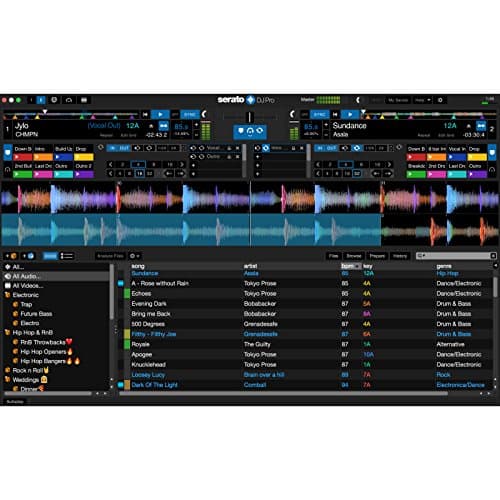
Serato DJ Pro Software
Frequently asked questions
What factors should I consider when choosing a DJ controller?
Look for features like build quality, software compatibility, connectivity options, and overall performance based on your skill level and specific needs.
Are budget DJ controllers suitable for beginners?
Absolutely. Many controllers under $300 or $500 are designed with beginners in mind, offering essential features to kickstart your DJ journey.
How does the performance differ between controllers in various price ranges?
Controllers under $300 may have limited features, while those closer to $1000 often offer advanced functions, more robust build quality, and enhanced performance capabilities.
Can I connect these controllers easily to my laptop?
Yes, most DJ controllers are plug-and-play, coming bundled with or supporting popular DJ software, so setup is generally straightforward on both laptops and desktops.
Which DJ software is compatible with these controllers?
Many controllers work with major DJ software like Serato, Traktor, and Rekordbox. It’s best to check the specific model’s compatibility before purchasing.
Will the controllers work with both Mac and Windows systems?
Most DJ controllers are designed for cross-platform compatibility. However, verifying compatibility on the manufacturer’s website is always a good idea.
What key features should I look for when comparing DJ controllers?
Consider the layout of controls, durability, interface design, and the range of features such as performance pads, faders, knobs, and connectivity options.